How would I disinherit an anchor?
Asked on 2024-07-30
1 search

To disinherit an anchor in RealityKit, you would typically remove the anchoring component from the entity. This can be done programmatically by accessing the entity's components and removing the anchoring component. Here is a general approach:
- Identify the Entity: Locate the entity that has the anchoring component you want to remove.
- Remove the Anchoring Component: Use the appropriate API to remove the anchoring component from the entity.
For example, in Swift, you might do something like this:
if let anchoringComponent = entity.components[AnchoringComponent.self] {
    entity.components.remove(AnchoringComponent.self)
}
This code checks if the entity has an AnchoringComponent and removes it if it exists.
For more detailed information on handling anchors and their components, you might want to refer to the session Break into the RealityKit debugger which discusses handling anchoring components and other related issues.
Relevant Sessions
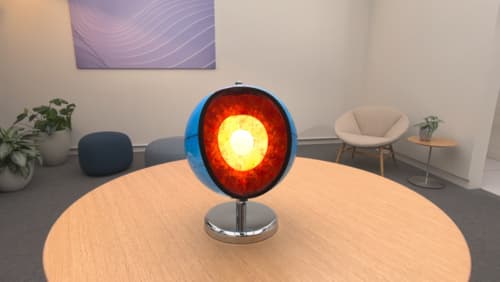
Explore object tracking for visionOS
Find out how you can use object tracking to turn real-world objects into virtual anchors in your visionOS app. Learn how you can build spatial experiences with object tracking from start to finish. Find out how to create a reference object using machine learning in Create ML and attach content relative to your target object in Reality Composer Pro, RealityKit or ARKit APIs.
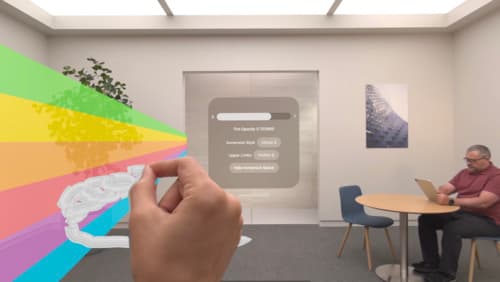
Render Metal with passthrough in visionOS
Get ready to extend your Metal experiences for visionOS. Learn best practices for integrating your rendered content with people’s physical environments with passthrough. Find out how to position rendered content to match the physical world, reduce latency with trackable anchor prediction, and more.

Build a spatial drawing app with RealityKit
Harness the power of RealityKit through the process of building a spatial drawing app. As you create an eye-catching spatial experience that integrates RealityKit with ARKit and SwiftUI, you’ll explore how resources work in RealityKit and how to use features like low-level mesh and texture APIs to achieve fast updates of the users’ brush strokes.