what's the easiest way to get started building an AR app for iPad and iPhone?
Asked on 2024-07-30
1 search

To get started building an AR app for iPad and iPhone, you can leverage RealityKit, ARKit, and SwiftUI. Here are some steps and resources to help you begin:
-
Set Up Spatial Tracking: Start by setting up spatial tracking so that your app can understand hand and environment data. This is crucial for creating interactive AR experiences.
- You can follow the session Build a spatial drawing app with RealityKit for detailed instructions on setting up spatial tracking.
-
Build a User Interface: Create a user interface that allows users to interact with the AR elements. This can include controls for manipulating AR objects or drawing in a 3D space.
- The same session, Build a spatial drawing app with RealityKit, provides guidance on building a spatial user interface.
-
Use Reality Composer: Reality Composer is an intuitive tool for creating and placing virtual content. It can be a great starting point for beginners.
- The session Explore object tracking for visionOS demonstrates how to use Reality Composer Pro to anchor virtual content.
-
Leverage ARKit and RealityKit: These frameworks are at the core of developing AR experiences. They provide powerful tools for creating immersive and interactive AR applications.
- The Platforms State of the Union session highlights the importance of RealityKit and ARKit in building spatial apps.
-
Experiment with Object Capture: If your app involves 3D models, you can use Object Capture to create high-quality 3D models from real-world objects.
- The session Discover area mode for Object Capture explains how to use the new iOS API for object capture.
By following these steps and utilizing the resources provided in the WWDC sessions, you can get started on building an AR app for iPad and iPhone.
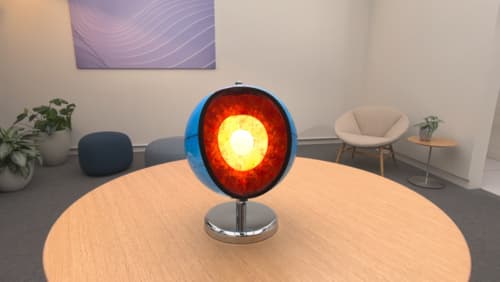
Explore object tracking for visionOS
Find out how you can use object tracking to turn real-world objects into virtual anchors in your visionOS app. Learn how you can build spatial experiences with object tracking from start to finish. Find out how to create a reference object using machine learning in Create ML and attach content relative to your target object in Reality Composer Pro, RealityKit or ARKit APIs.
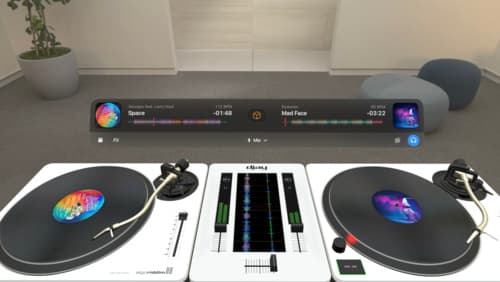
Design great visionOS apps
Find out how to create compelling spatial computing apps by embracing immersion, designing for eyes and hands, and taking advantage of depth, scale, and space. We’ll share several examples of great visionOS apps and explore how their designers approached creating new experiences for the platform.
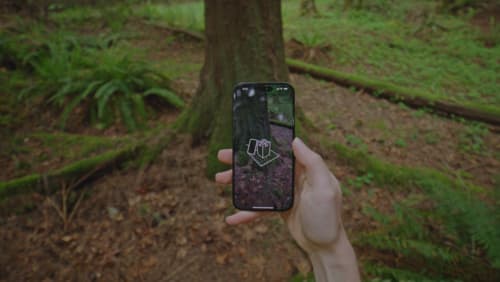
Discover area mode for Object Capture
Discover how area mode for Object Capture enables new 3D capture possibilities on iOS by extending the functionality of Object Capture to support capture and reconstruction of an area. Learn how to optimize the quality of iOS captures using the new macOS sample app for reconstruction, and find out how to view the final results with Quick Look on Apple Vision Pro, iPhone, iPad or Mac. Learn about improvements to 3D reconstruction, including a new API that allows you to create your own custom image processing pipelines.