Can you give me news on ScrollView since iOS 17 and later?
Asked on 2026-02-10
1 search

In recent updates to iOS 17 and later, there have been several enhancements to ScrollView in SwiftUI. These improvements provide developers with more control and flexibility when working with scrollable content. Here are some of the key updates:
-
Fine-Grained Control: New APIs allow for more detailed control over scroll views. You can now integrate more deeply with the state of a scroll view using the
onScrollGeometryChangemodifier. This lets you react to changes in content, offsets, content size, and more. For example, you can detect when a view's visibility changes due to scrolling, enabling experiences like auto-playing videos when they come into view (What’s new in SwiftUI). -
Programmatic Control: There are new options for programmatically controlling scroll positions, such as scrolling to specific edges or stopping scrolling programmatically. This gives you more tools to create a tailored scrolling experience (What’s new in SwiftUI).
-
Performance Improvements: SwiftUI has improved the scheduling of user interface updates, which enhances responsiveness and reduces the chance of dropped frames during fast scrolling. This is particularly beneficial when using lazy stacks within scroll views, as it delays loading views until they are about to appear (What’s new in SwiftUI).
These updates make it easier to create smooth and responsive scrolling experiences in your apps. If you're interested in more details, you might want to check out the sessions "What’s new in SwiftUI" from both 2024 and 2025.
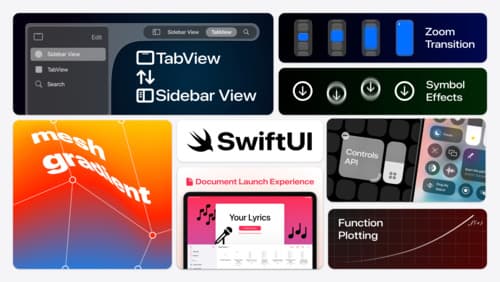
What’s new in SwiftUI
Learn how you can use SwiftUI to build great apps for any Apple platform. Explore a fresh new look and feel for tabs and documents on iPadOS. Improve your window management with new windowing APIs, and gain more control over immersive spaces and volumes in your visionOS apps. We’ll also take you through other exciting refinements that help you make expressive charts, customize and layout text, and so much more.
Build a UIKit app with the new design
Update your UIKit app to take full advantage of the new design system. We’ll dive into key changes to tab views, split views, bars, presentations, search, and controls, and show you how to use Liquid Glass in your custom UI. To get the most out of this video, we recommend first watching “Get to know the new design system” for general design guidance.
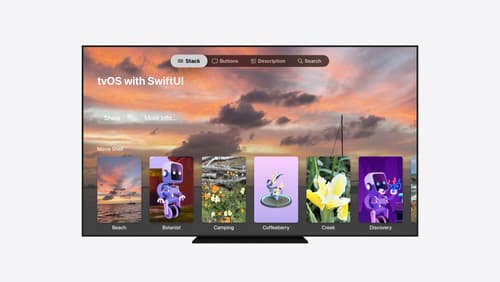
Migrate your TVML app to SwiftUI
SwiftUI helps you build great apps on all Apple platforms and is the preferred toolkit for bringing your content into the living room with tvOS 18. Learn how to use SwiftUI to create familiar layouts and controls from TVMLKit, and get tips and best practices.