In iOS 26 is there a new way to calculate the height of an element? with .background(GeometryReader { geometry in
Asked on 2026-02-12
1 search

In iOS 26, there is no specific mention of a new way to calculate the height of an element using .background(GeometryReader { geometry in ... }) in the provided context. However, there are enhancements in SwiftUI related to spatial layouts and 3D views, particularly in the context of visionOS and volumetric experiences. These enhancements include new depth-based variants of modifiers and tools for creating 3D layouts, which might indirectly affect how you manage layout calculations in a 3D space.
For more detailed information on spatial layouts and 3D views, you can refer to the session Meet SwiftUI spatial layout (02:47).
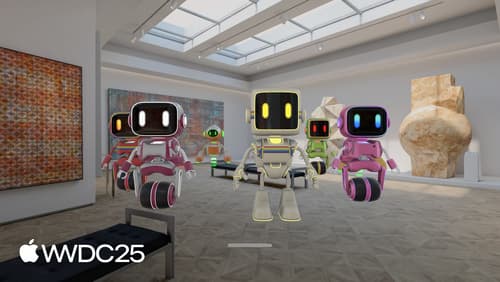
Meet SwiftUI spatial layout
Explore new tools for building spatial experiences using SwiftUI. Learn the basics of 3D SwiftUI views on visionOS, customize existing layouts with depth alignments, and use modifiers to rotate and position views in space. Discover how to use spatial containers to align views in the same 3D space, helping you create immersive and engaging apps.
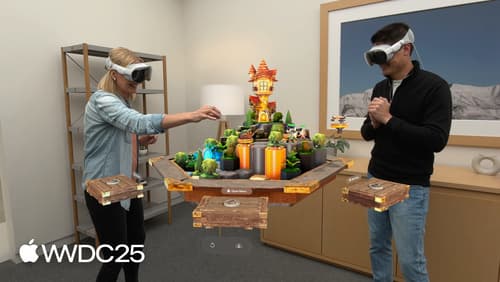
What’s new in visionOS 26
Explore exciting new features in visionOS 26. Discover enhanced volumetric APIs and learn how you can combine the power of SwiftUI, RealityKit and ARKit. Find out how you can build more engaging apps and games using faster hand tracking and input from spatial accessories. Get a sneak peek at updates to SharePlay, Compositor Services, immersive media, spatial web, Enterprise APIs, and much more.

Explore concurrency in SwiftUI
Discover how SwiftUI leverages Swift concurrency to build safe and responsive apps. Explore how SwiftUI uses the main actor by default and offloads work to other actors. Learn how to interpret concurrency annotations and manage async tasks with SwiftUI’s event loop for smooth animations and UI updates. You’ll leave knowing how to avoid data races and write code fearlessly.