in swiftUI , this Is about naming, please look up best practices online, preferably on swift.org
Asked on 2025-12-23
1 search

It seems like you're interested in best practices for naming in SwiftUI. While the context provided doesn't specifically address naming conventions, I can share some general best practices for naming in Swift, which are applicable to SwiftUI as well:
-
Use Descriptive Names: Choose names that clearly describe the purpose of the variable, function, or type. This makes your code more readable and maintainable.
-
Follow Swift Naming Conventions:
- Use camelCase for variable and function names (e.g.,
myVariable,fetchData()). - Use PascalCase for type names (e.g.,
MyView,CustomButton).
- Use camelCase for variable and function names (e.g.,
-
Avoid Abbreviations: Unless they are well-known and widely accepted (like
URLorID), avoid using abbreviations in your names. -
Be Consistent: Consistency in naming helps in understanding the codebase. Stick to a naming pattern once you choose it.
-
Use Contextual Names: When possible, use names that provide context about the variable or function's role in the application.
For more detailed guidelines, you can refer to the Swift.org API Design Guidelines.
If you are interested in learning more about SwiftUI, you might find the session SwiftUI essentials helpful, as it covers the fundamentals of views in SwiftUI.
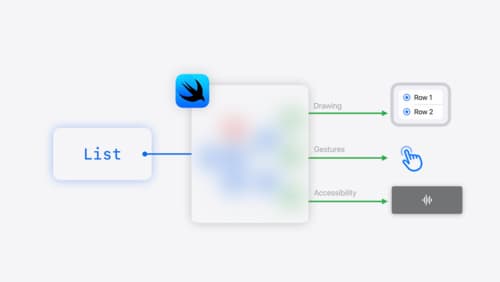
SwiftUI essentials
Join us on a tour of SwiftUI, Apple’s declarative user interface framework. Learn essential concepts for building apps in SwiftUI, like views, state variables, and layout. Discover the breadth of APIs for building fully featured experiences and crafting unique custom components. Whether you’re brand new to SwiftUI or an experienced developer, you’ll learn how to take advantage of what SwiftUI has to offer when building great apps.
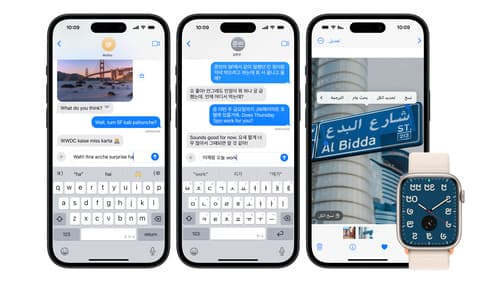
Build multilingual-ready apps
Ensure your app works properly and effectively for multilingual users. Learn best practices for text input, display, search, and formatting. Get details on typing in multiple languages without switching between keyboards. And find out how the latest advances in the String Catalog can make localization even easier.

Record, replay, and review: UI automation with Xcode
Learn to record, run, and maintain XCUIAutomation tests in Xcode. Replay your XCTest UI tests in dozens of locales, device types, and system conditions using test plan configurations. Review your test results using the Xcode test report, and download screenshots and videos of your runs. We’ll also cover best practices for preparing your app for automation with Accessibility and writing stable, high-quality automation code.