new uikit api to manage controller lifecycle for swiftui adpotion
Asked on 2026-08-11
1 search

If you mean the new UIKit API for managing controller lifecycle as part of SwiftUI adoption, the relevant update is in What’s new in UIKit (WWDC25).
UIKit is adding newer architectural support to make SwiftUI and UIKit coexist more seamlessly, including:
- SwiftUI scenes in UIKit apps via a new delegate protocol
- Better support for incremental SwiftUI adoption
- APIs that help UIKit apps participate in scene-based lifecycle more naturally
If you’re asking specifically about a controller lifecycle API, the context points more to lifecycle-related improvements in UIKit transitions and callbacks in Enhance your UI animations and transitions (WWDC24), where UIKit view controller lifecycle and appearance callbacks are discussed during transitions.
So the short answer is:
- For SwiftUI adoption in UIKit apps: new scene/delegate APIs in What’s new in UIKit
- For controller lifecycle behavior: UIKit view controller lifecycle and callbacks in Enhance your UI animations and transitions
If you want, I can narrow it down to the exact API name or the most likely session chapter.

What’s new in UIKit
Modernize your app with the latest APIs in UIKit, including enhanced menu bar support, automatic observation tracking, a new UI update method, and improvements to animations. We’ll also cover how you can include SwiftUI scenes in your UIKit app and explore SF Symbols, HDR color pickers, and more.
Make your UIKit app more flexible
Find out how your UIKit app can become more flexible on iPhone, iPad, Mac, and Apple Vision Pro by using scenes and container view controllers. Learn to unlock your app’s full potential by transitioning from an app-centric to a scene-based lifecycle, including enhanced window resizing and improved multitasking. Explore enhancements to UISplitViewController, such as interactive column resizing and first-class support for inspector columns. And make your views and controls more adaptive by adopting new layout APIs.
Enhance your UI animations and transitions
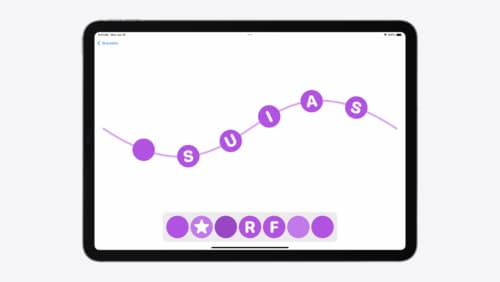
Explore how to adopt the zoom transition in navigation and presentations to increase the sense of continuity in your app, and learn how to animate UIKit views with SwiftUI animations to make it easier to build animations that feel continuous.