Playground 的使用
Asked on 2025-11-27
1 search

Playgrounds are a powerful tool in Xcode that allow developers to quickly iterate on code and experiment with new ideas. They provide a live feedback environment similar to SwiftUI previews, where you can see the results of your code execution in a dedicated Canvas tab. This feature is particularly useful for understanding existing code and trying out new concepts without having to rebuild and rerun your entire app.
For example, in the session "What’s new in Xcode" from WWDC 2025, Playgrounds are demonstrated as a way to debug and explore the structure of a landmark in an app. By using the Playground macro, developers can import the Playgrounds module and examine data directly in the canvas, making it easier to identify and fix issues, such as incorrect coordinates for a landmark.
Additionally, Playgrounds are integrated with the Foundation Models framework, allowing developers to test and iterate on prompts for large language models directly within Xcode. This integration helps in optimizing prompts and understanding latency, which is crucial for building app experiences powered by AI.
For more detailed information, you can refer to the session What’s new in Xcode (05:06) where Playgrounds are discussed in the context of debugging and code exploration.

What’s new in Xcode
Discover the latest productivity and performance advancements in Xcode 26. Learn how to leverage large language models in your development workflow. Explore editing and debugging enhancements, improved performance and testing tools, and Swift Build - the open-source build system engine used by Xcode.
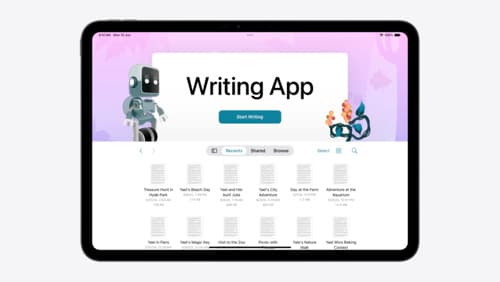
Evolve your document launch experience
Make your document-based app stand out, and bring its unique identity into focus with the new document launch experience. Learn how to leverage the new API to customize the first screen people see when they launch your app. Utilize the new system-provided design, and amend it with custom actions, delightful decorative views, and impressive animations.
Meet the Foundation Models framework
Learn how to tap into the on-device large language model behind Apple Intelligence! This high-level overview covers everything from guided generation for generating Swift data structures and streaming for responsive experiences, to tool calling for integrating data sources and sessions for context management. This session has no prerequisites.