POP
Asked on 2026-03-11
1 search

It seems like you're interested in the concept of "POP" in the context of Apple's WWDC sessions. The term "pop" appears in several contexts related to UI animations and transitions, particularly in the session titled "Enhance your UI animations and transitions" from WWDC 2024. This session discusses how pop transitions work in UIKit, including how they are handled when initiated by user interactions like tapping the back button or swiping back.
For more detailed information on this topic, you might want to check out the session Enhance your UI animations and transitions (05:11) where the mechanics of pop transitions and their cancellation are explained. This session also covers how these transitions are integrated into the UIKit view controller lifecycle and callbacks.
If you have any specific questions about this session or need further details, feel free to ask!
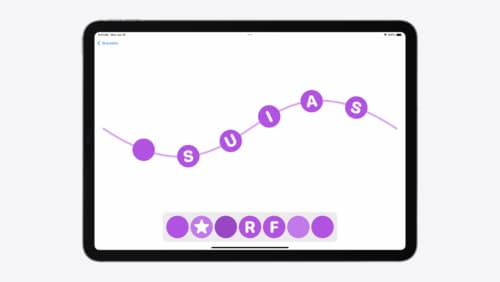
Enhance your UI animations and transitions
Explore how to adopt the zoom transition in navigation and presentations to increase the sense of continuity in your app, and learn how to animate UIKit views with SwiftUI animations to make it easier to build animations that feel continuous.
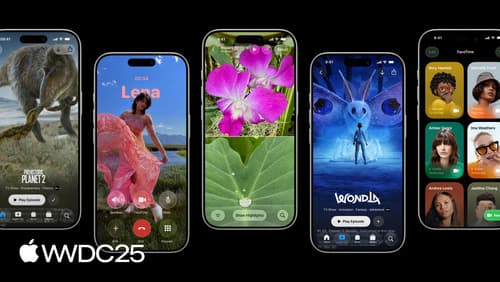
Build a UIKit app with the new design
Update your UIKit app to take full advantage of the new design system. We’ll dive into key changes to tab views, split views, bars, presentations, search, and controls, and show you how to use Liquid Glass in your custom UI. To get the most out of this video, we recommend first watching “Get to know the new design system” for general design guidance.
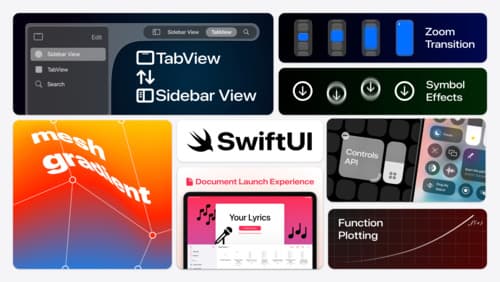
What’s new in SwiftUI
Learn how you can use SwiftUI to build great apps for any Apple platform. Explore a fresh new look and feel for tabs and documents on iPadOS. Improve your window management with new windowing APIs, and gain more control over immersive spaces and volumes in your visionOS apps. We’ll also take you through other exciting refinements that help you make expressive charts, customize and layout text, and so much more.