swiftiu redraw view
Asked on 2026-03-17
1 search

To understand how SwiftUI redraws views, it's important to know how SwiftUI handles state changes and view updates. When a state variable changes, SwiftUI doesn't immediately update the views. Instead, it creates a new transaction that represents the change to the view hierarchy. This transaction marks the state variable as outdated, and when SwiftUI is ready to update for the next frame, it runs the transaction and applies the update. This process ensures that only the necessary parts of the view hierarchy are updated, optimizing performance.
For more detailed insights into optimizing SwiftUI performance, you can refer to the session Optimize SwiftUI performance with Instruments, which discusses understanding the causes and effects of SwiftUI updates. This session provides tools and techniques to diagnose and fix long view body updates, ensuring your app runs smoothly.
If you're interested in learning more about the fundamentals of views in SwiftUI, the session SwiftUI essentials covers the basics, including how views are state-driven and automatically updated when their state changes.
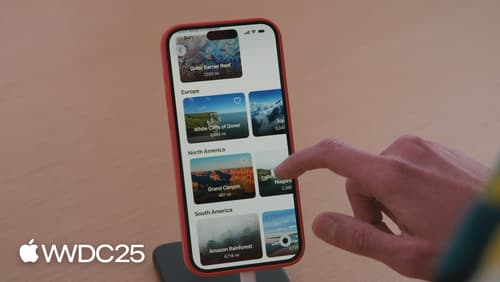
Optimize SwiftUI performance with Instruments
Discover the new SwiftUI instrument. We’ll cover how SwiftUI updates views, how changes in your app’s data affect those updates, and how the new instrument helps you visualize those causes and effects. To get the most out of this session, we recommend being familiar with writing apps in SwiftUI.
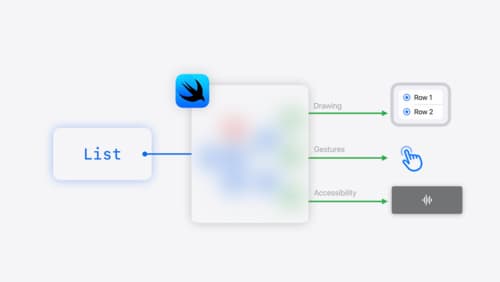
SwiftUI essentials
Join us on a tour of SwiftUI, Apple’s declarative user interface framework. Learn essential concepts for building apps in SwiftUI, like views, state variables, and layout. Discover the breadth of APIs for building fully featured experiences and crafting unique custom components. Whether you’re brand new to SwiftUI or an experienced developer, you’ll learn how to take advantage of what SwiftUI has to offer when building great apps.
Create custom visual effects with SwiftUI
Discover how to create stunning visual effects in SwiftUI. Learn to build unique scroll effects, rich color treatments, and custom transitions. We’ll also explore advanced graphic effects using Metal shaders and custom text rendering.