vertical text
Asked on 2026-06-15
1 search

If you mean vertical text, the closest relevant topic in the WWDC context here is Dynamic Type and layout adaptation rather than vertical writing systems.
From Get started with Dynamic Type, Apple shows that when text gets larger, layouts may need to switch between horizontal and vertical arrangements to preserve readability and avoid truncation. For example, a horizontal stack can become a vertical stack at larger accessibility sizes.
If you were asking about text that flows vertically as a writing direction, I don’t know of a WWDC session in the provided context that specifically covers that.
Get started with Dynamic Type
Dynamic Type lets people choose their preferred text size across the system and all of their apps. To help you get started supporting Dynamic Type, we’ll cover the fundamentals: How it works, how to find issues with scaling text in your app, and how to take practical steps using SwiftUI and UIKit to create a great Dynamic Type experience. We’ll also show how you can best use the Large Content Viewer to make navigation controls accessible to everyone.
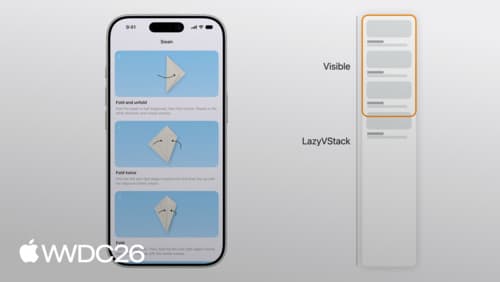
Dive into lazy stacks and scrolling with SwiftUI
Discover the inner workings of lazy stacks in SwiftUI. We’ll explore how LazyVStack and LazyHStack estimate sizes, lazily load subviews, and prefetch content to deliver smooth scrolling experiences. We’ll also cover advanced performance optimizations, state management best practices, and tips for precise programmatic scrolling. To get the most out of this session, we recommend basic familiarity with SwiftUI layout using stacks.
Enhance your app’s multilingual experience
Create a seamless experience for anyone who uses multiple languages. Learn how Language Discovery allows you to optimize your app using a person’s preferred languages. Explore advances in support for right-to-left languages, including Natural Selection for selecting multiple ranges in bidirectional text. We’ll also cover best practices for supporting multilingual scenarios in your app.