Which videos should I watch if I want to learn about instruments for iOS apps?
Asked on 2026-04-01
1 search

To learn about instruments for iOS apps, you might want to explore sessions that cover topics related to app development and design. While the provided context does not specifically mention "instruments" for iOS apps, you can gain valuable insights from sessions that discuss app design and development tools. Here are some sessions that might be relevant:
-
Build a UIKit app with the new design - This session covers the new design elements in iOS 26, including Liquid Glass, which could be useful for understanding the latest design tools and techniques for iOS apps.
-
SwiftUI essentials - This session provides an overview of SwiftUI, which is a powerful tool for building iOS apps. It covers declarative, compositional, and state-driven views, which are essential for creating engaging applications.
-
Enhance your UI animations and transitions - This session discusses new features and APIs for UI animations and transitions, which can be crucial for creating smooth and responsive iOS apps.
These sessions will provide you with a solid foundation in the latest tools and techniques for iOS app development, which can be beneficial when working with instruments and other development tools.
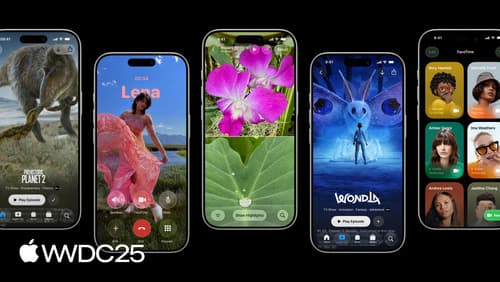
Build a UIKit app with the new design
Update your UIKit app to take full advantage of the new design system. We’ll dive into key changes to tab views, split views, bars, presentations, search, and controls, and show you how to use Liquid Glass in your custom UI. To get the most out of this video, we recommend first watching “Get to know the new design system” for general design guidance.
Explore video experiences for visionOS
Learn about the different ways you can create and present immersive video experiences within your app. We’ll explore the diverse media types available in visionOS 26, including profiles for 180°, 360°, and wide FOV video; options for creating and playing Apple Immersive Video; and expanded capabilities for 2D, 3D, and spatial video. Discover which profiles are best for your app and its content.
Get started with Game Center
Explore the features of Game Center and learn how to get started. We’ll show you best practices for implementing achievements, challenges, leaderboards, and activities to maximize your game’s discoverability, attract new players, and increase engagement. To get the most out of this session, we also recommend watching “Engage players with the Apple Games app”.